

If your Level 2 charger is slower than expected, the limit is usually the lowest-capability or most restrictive point in the charging chain: EVSE configuration, circuit capacity, the vehicle’s onboard AC charger, a vehicle setting, load management, battery conditions, supply voltage, thermal protection, or a fault. A “48A charger” does not force the car to take 48A. Start by comparing what the car reports with what the EVSE is configured to deliver.
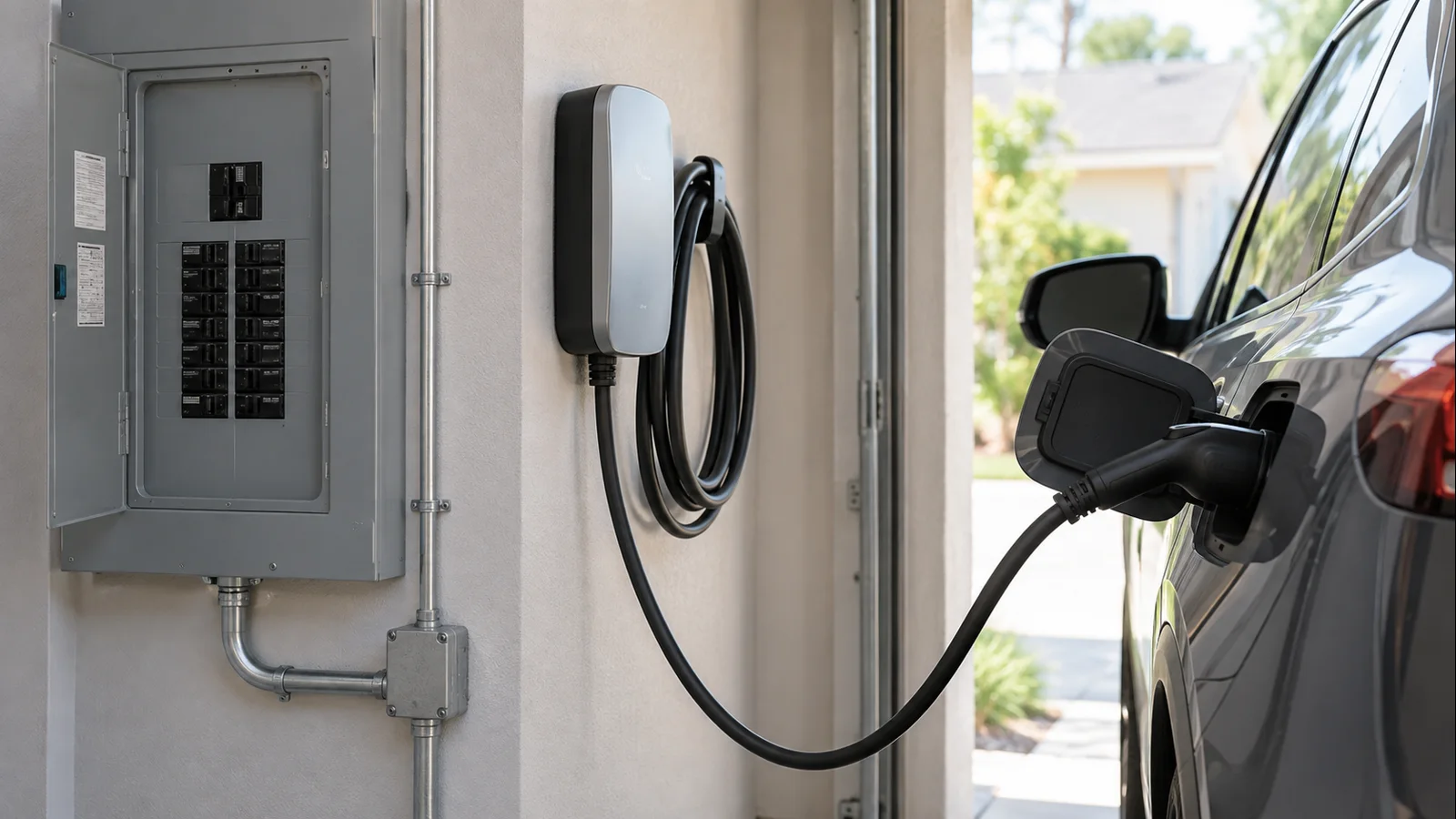
First, separate EVSE output from what the car can accept
Level 2 home charging is AC charging. The EVSE supplies AC power and advertises available current to the vehicle; the vehicle’s onboard charger converts AC to DC for the battery. A higher-rated wall unit still cannot make a vehicle exceed its onboard AC charging limit.
Charging power is approximately volts × amps. At 240V, 32A is about 7.7 kW, 40A about 9.6 kW, and 48A about 11.5 kW. These are examples, not universal expectations. Actual power can be lower because voltage is not exactly 240V, the car requests less current, load management reduces output, or thermal and battery controls intervene.
The U.S. DOE Alternative Fuels Data Center describes home Level 2 charging as typically using 240V equipment and emphasizes proper electrical capacity and installation. ChargePoint’s Home Flex FAQ lists 16, 24, 32, 40, 48, and 50A settings and states that speed is also limited by the car’s onboard charger. Those settings are specific to Home Flex, not every EVSE.
Fast diagnostic table
| Symptom | Likely limiter | What to verify |
|---|---|---|
| Steady current below EVSE rating | Vehicle AC limit or saved setting | Vehicle manual, charging screen, app current limit |
| Rate drops when home loads turn on | Load management or power sharing | Installer settings, energy manager, second EVSE |
| Starts fast, then slows | Heat, voltage, battery condition, protection | Fault code, connector/receptacle condition, vehicle alert |
| Waits before charging | Schedule or utility control | Vehicle schedule, EVSE schedule, managed-charging program |
| Breaker trips or charging stops | Electrical/equipment fault | Stop repeated resets; use fault codes and professional service |
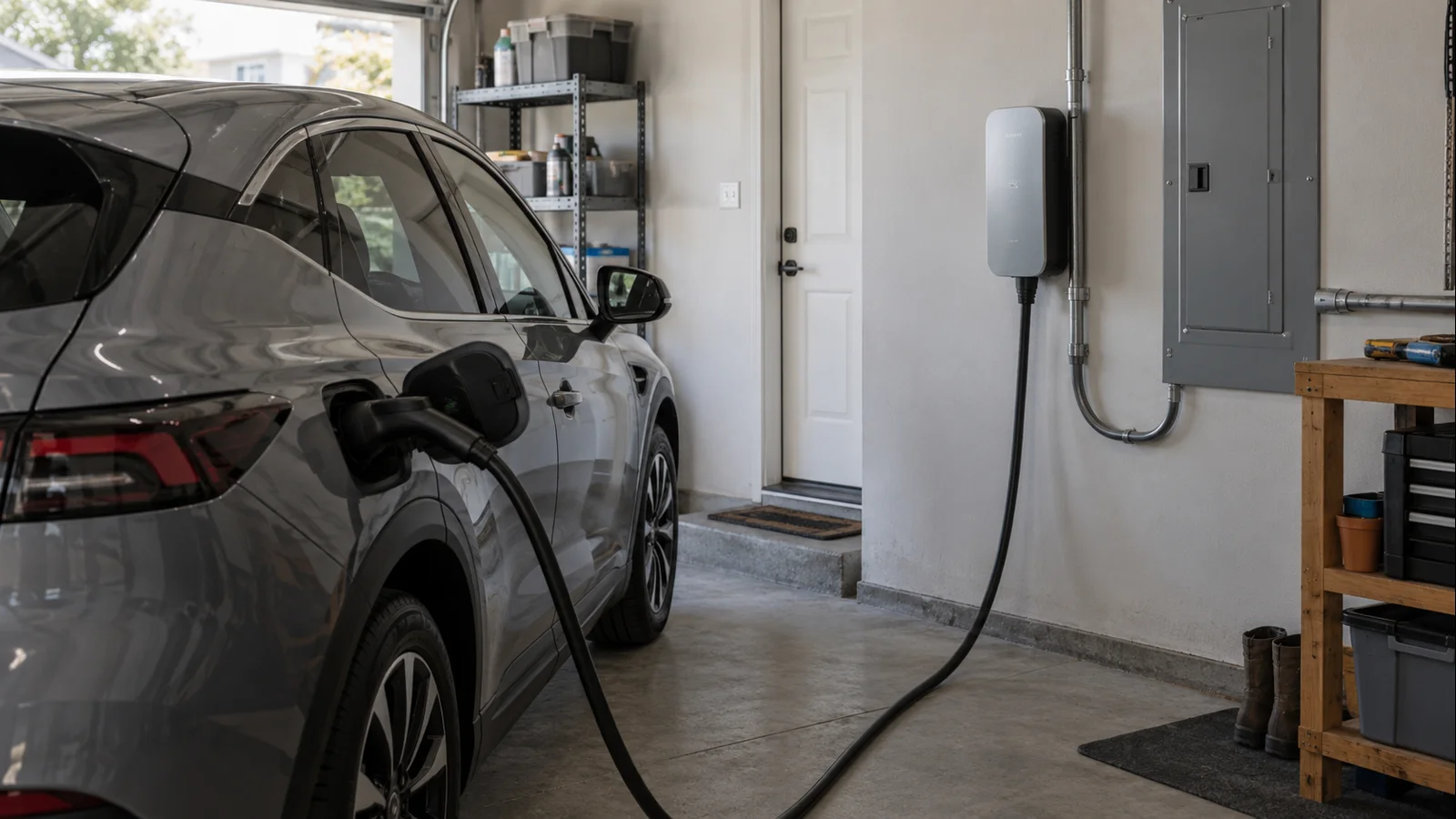
Level 2 charging slowly: the diagnostic sequence
1. Compare the car’s reading with the EVSE configuration
Check the vehicle charging screen or app first. Note amps, kW if shown, state of charge, and any warning. Then confirm the EVSE’s installed current setting—not the maximum printed in marketing. If a 48A-capable station was commissioned for 32A, roughly 7.7 kW at 240V is the relevant ceiling. If the EVSE can deliver 48A but the vehicle accepts only 32A on AC, the vehicle is the limiter. Tesla’s current onboard-charger guidance is an example of AC capability differing by vehicle variant.
For installation context, see AmpedHabitat’s guide to the requirements and costs behind a 240V EV-charging outlet.
2. Do not read the breaker number as charging current
A 50A breaker does not mean 50A charging. EV charging is a continuous load, so configured charging current is generally below the branch-circuit breaker rating, with exact sizing governed by applicable electrical rules, conductors, terminations, panel capacity, equipment listing, and manufacturer instructions. ChargePoint pairs 40A charging with a 50A circuit and 48A with a 60A circuit for Home Flex. Tesla likewise shows 40A output on a 50A breaker and 48A on a 60A breaker for Wall Connector. Never increase breaker size or installer-only EVSE current merely to obtain a higher charging number.
3. Check vehicle current limits and schedules
Many EVs let drivers reduce AC current, and some remember that limit by location. A previously reduced home setting can make a healthy EVSE look slow. Tesla owner documentation, for example, says a lower current can be saved at a charging location and that the vehicle may automatically reduce current when it detects unexpected input-power fluctuations. Also check charge limits, scheduled-start windows, departure schedules, and the EVSE schedule separately. Utility managed-charging programs can delay or modulate charging too.
For Tesla-specific context, AmpedHabitat’s Model Y charging guide is a useful companion, but verify the exact model year and configuration.
4. Look for shared power or load management
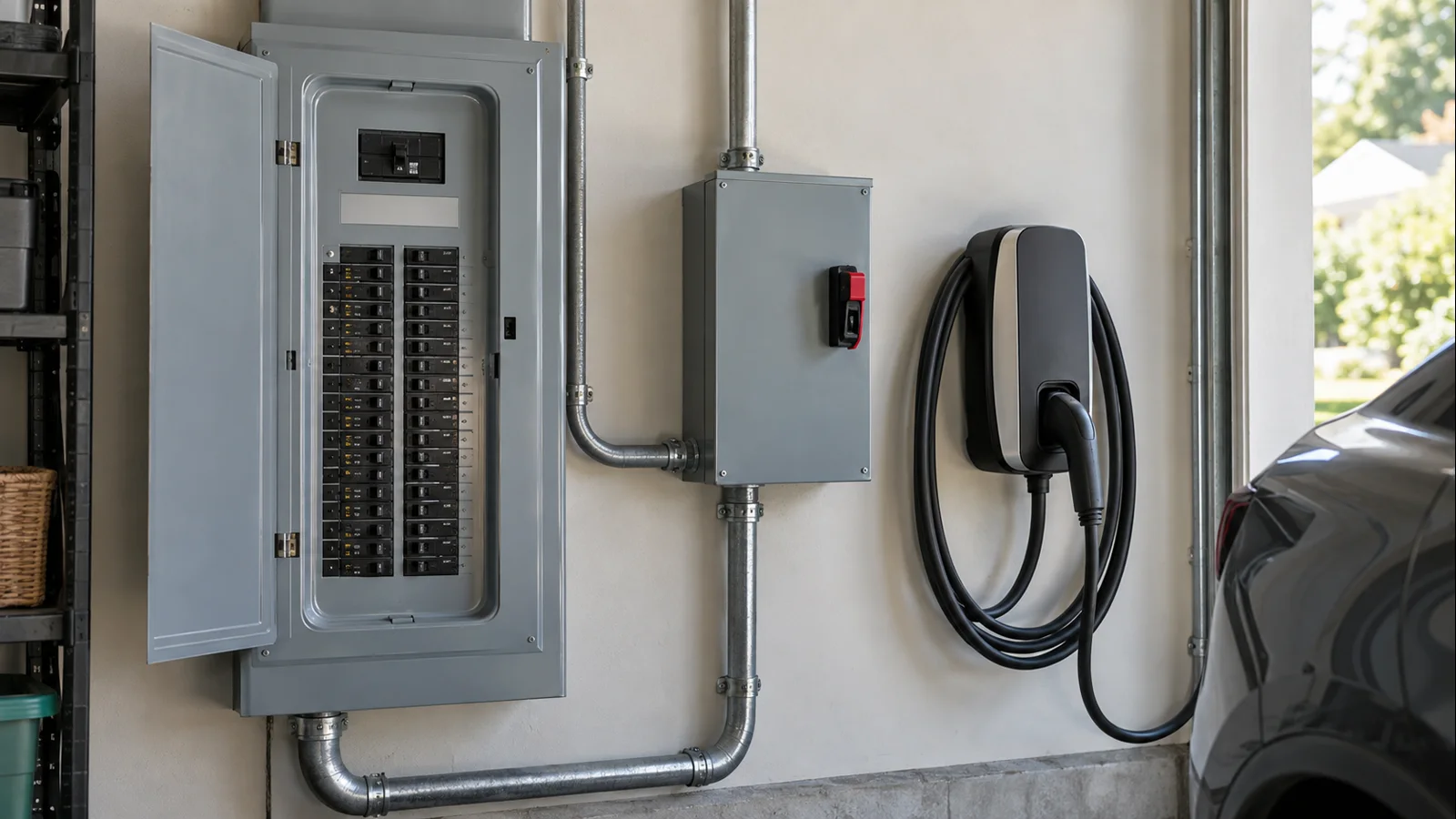
A smart installation may intentionally reduce EV charging to keep the home within an electrical-service limit. Tesla’s current Wall Connector power-management documentation explains that dynamic power management lowers EV charging when other household loads are high and raises it again when capacity returns; group power management can divide available power among multiple connectors. If the rate changes with a dryer, water heater, heat pump, range, or second EV, determine whether load management was installed. Do not bypass it.
5. Separate battery conditions from DC fast-charging behavior
Level 2 AC charging and DC fast charging are different. Public DC fast-charge curves can taper sharply at high state of charge, but those curves do not directly predict home Level 2 behavior because the onboard AC charger remains in the power path. Some vehicles may still reduce AC charging near a high charge level or when the battery is very cold or hot. If the slowdown appears only in extreme weather or near full, check the vehicle manufacturer’s documentation before blaming the EVSE.
6. Account for actual supply voltage
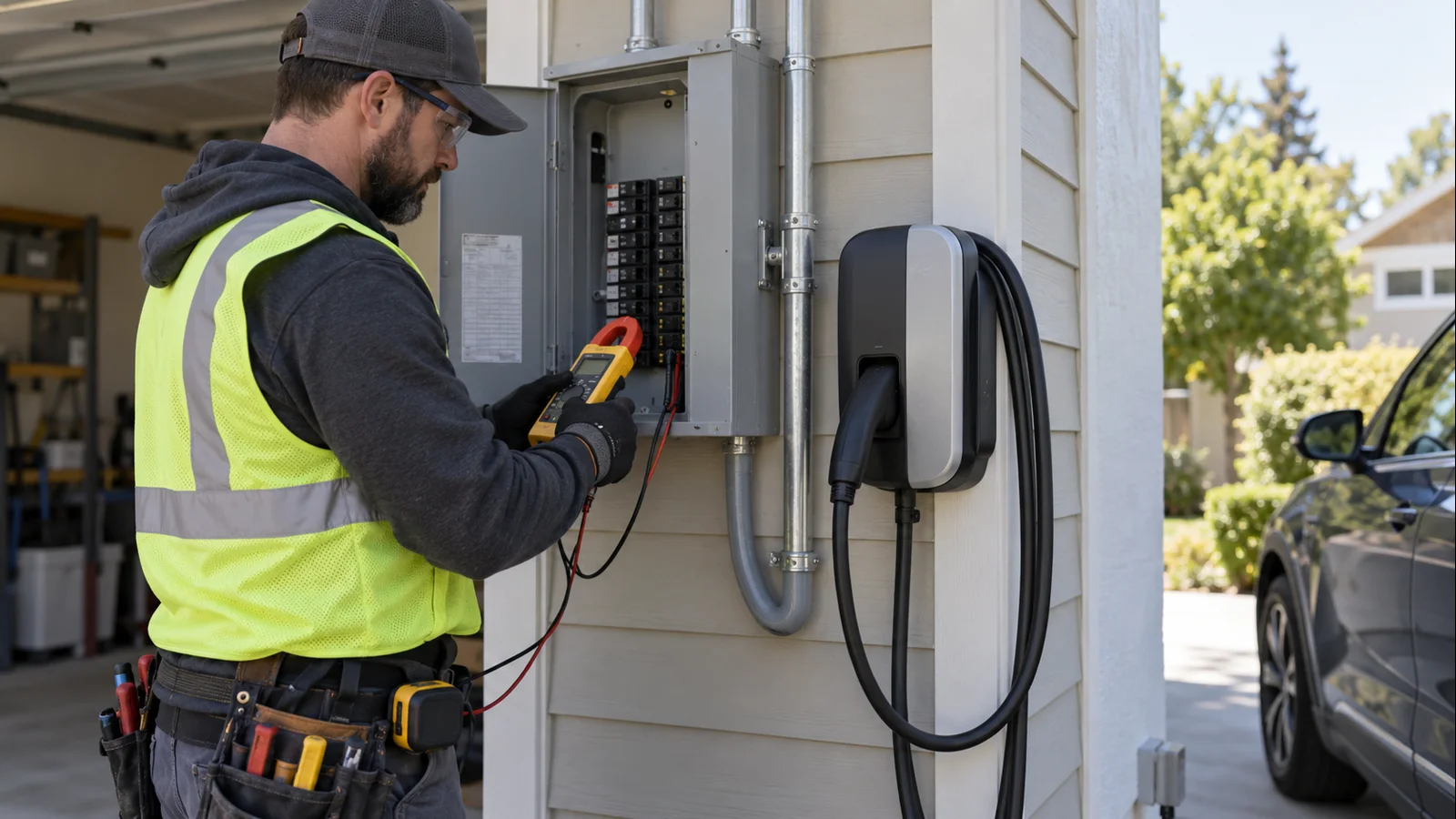
The familiar 7.7, 9.6, and 11.5 kW examples assume 240V. If voltage is lower, power is lower at the same current; 32A at 232V is about 7.4 kW. Some multifamily or commercial-style electrical systems may provide 208V. If voltage appears unusually low, fluctuates under load, or the car reports an input-power warning, have a qualified electrician evaluate the circuit under load rather than opening a panel or probing energized conductors yourself.
7. Check thermal derating and visible connection condition
EVSEs and vehicles can reduce current when temperature sensors detect excessive heat. Tesla’s current Wall Connector documentation says it monitors multiple temperature points and can automatically reduce current in warm conditions. Inspect only what is safely visible: the connector should seat fully, a plug-in EVSE plug should be fully inserted, cables should be undamaged, and receptacles or connectors should not show discoloration, melting, looseness, unusual odor, or abnormal heat. If they do, stop charging and call an electrician or equipment support.
Do not casually solve a reach problem with an extension. AmpedHabitat’s EV charger extension-cord safety guide explains why supply-side and vehicle-side extensions require separate scrutiny.
8. Treat breaker trips and persistent fault codes as faults
Repeated breaker trips, EVSE fault lights, charge-port errors, or charging that stops after a few minutes are not just “slow charging.” Record the exact vehicle message and EVSE fault code. If the same car charges normally on another known-good Level 2 station, the home EVSE or supply becomes more suspect. If multiple vehicles fault on the same home station, look toward the EVSE, circuit, or power-management configuration. If the vehicle repeats the same AC charging fault across multiple known-good stations, vehicle service is the stronger next step.
9. Check app, firmware, and network settings only when relevant
Wi-Fi is not a universal requirement for basic Level 2 charging, but connected features can matter on specific products. ChargePoint currently says an unactivated Home Flex defaults to 16A for safety until the appropriate amperage is selected. That is a Home Flex behavior, not a rule for all chargers. If your EVSE uses smart charging, utility integration, access control, load management, or installer commissioning, verify those features in the manufacturer’s app and documentation. For product-specific context, see AmpedHabitat’s ChargePoint Home Flex guide.
When to call an electrician, EVSE support, or vehicle service
Call a qualified electrician for repeated breaker trips, abnormal heat, damaged or loose receptacles, suspected voltage drop, uncertain breaker/conductor sizing, or any proposed circuit-current upgrade. Contact EVSE support for persistent internal faults or thermal/error codes after basic safe checks. Contact the vehicle manufacturer or service center when the car reports an AC charging-system fault across multiple known-good Level 2 stations despite verified supply and EVSE operation.
FAQ
Why can a 48A charger charge below 11.5 kW?
Because 11.5 kW is approximately 240V × 48A, not a guaranteed battery input. The EVSE may be configured below 48A, the vehicle’s onboard charger may accept less, actual voltage may be below 240V, load management may reduce current, or thermal and vehicle controls may temporarily lower power.
Does a 50A breaker mean I should get 50A charging?
No. Breaker rating and continuous charging current are different. Common manufacturer configurations pair a 50A branch circuit with 40A continuous EV charging. Use the EVSE installation instructions, conductor and panel requirements, applicable code, and the vehicle’s AC limit rather than assuming breaker amps equal charging amps.
Why does Level 2 charging slow down sometimes?
Common causes include a saved vehicle current limit, scheduled charging, dynamic load management, multiple EVSEs sharing power, battery temperature, high state of charge on vehicles that reduce AC power near full, lower supply voltage, thermal derating, or a developing electrical/equipment fault. The pattern usually narrows the cause.
When should I call an electrician or service center?
Stop and call an electrician for overheating, discoloration, melting, a loose receptacle, repeated breaker trips, or suspected wiring/voltage problems. Contact EVSE support for persistent station faults and vehicle service for repeatable AC charging problems across more than one known-good charger. Do not bypass safety controls or raise circuit/EVSE amperage without proper electrical verification.
Freshness and source note
Updated for late 2026 using current primary guidance from the U.S. DOE Alternative Fuels Data Center, ChargePoint Home Flex installation documentation, and current Tesla Wall Connector, onboard-charger, and power-management documentation. EVSE firmware, vehicle AC limits, settings, and installation requirements can change by model, model year, jurisdiction, and product revision, so verify the manual for your exact equipment before changing settings or planning electrical work.