

Quick verdict: ChargePoint Home Flex is a strong fit for U.S. homeowners who want flexible amperage, J1772 or NACS cable choices, a 23-foot cable, and app-based scheduling and energy tracking. Its headline limit is 50A/12 kW at 240V, but that requires a properly sized hardwired circuit. Your EV may charge more slowly if its onboard AC charger accepts less power.
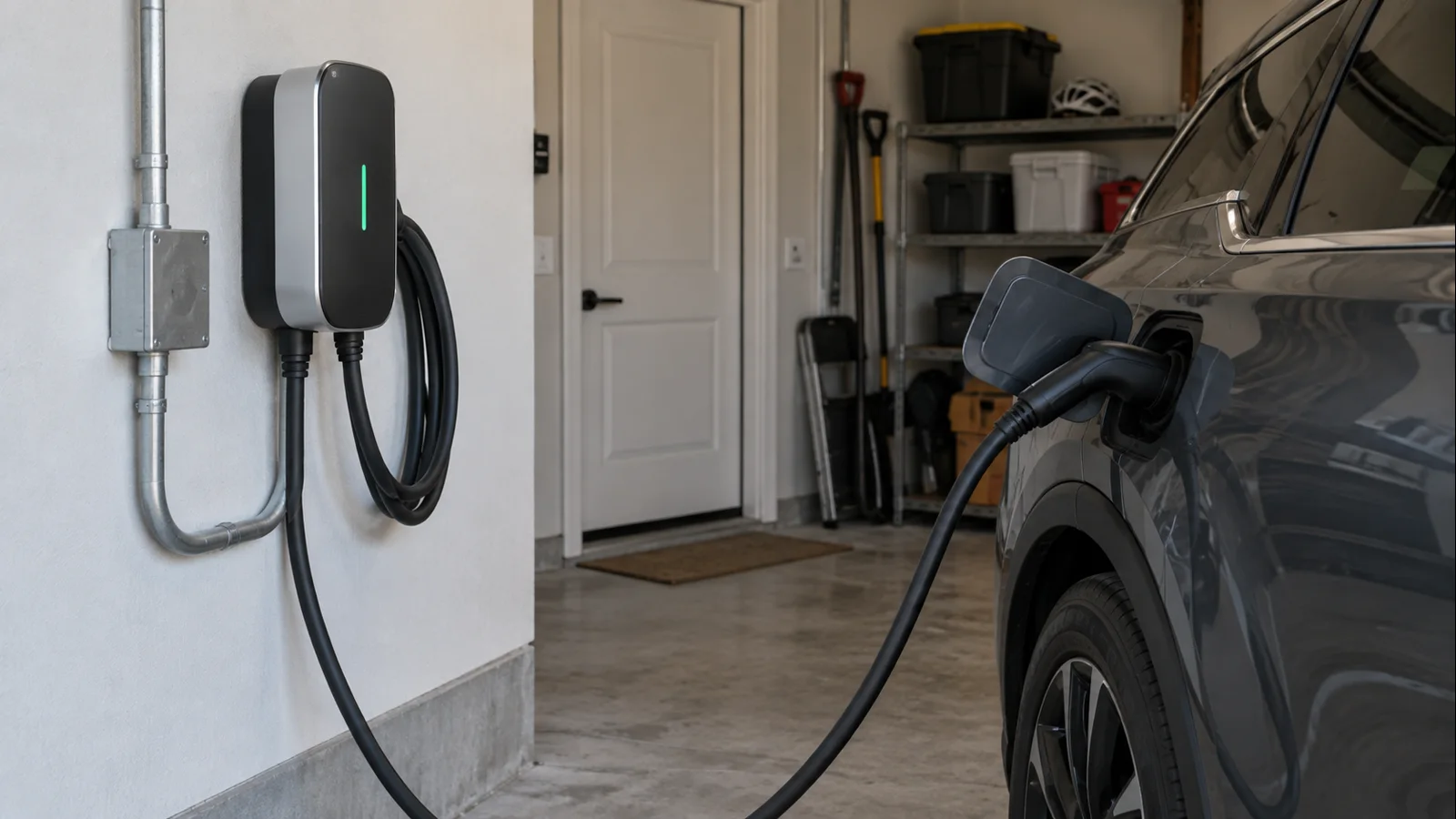
ChargePoint Home Flex specs at a glance
| Specification | ChargePoint Home Flex |
|---|---|
| Maximum EVSE output | 50A, up to 12 kW at 240V |
| Selectable charging current | 16A, 24A, 32A, 40A, 48A, 50A |
| Supported connectors | J1772 or NACS configurations |
| Charging cable | 23 ft |
| Installation | Hardwired, NEMA 6-50 plug, or NEMA 14-50 plug depending on configuration |
| Plug-in charging limits | 32A on a 40A circuit or 40A on a 50A circuit |
| Connectivity | Wi-Fi plus Bluetooth |
| Outdoor rating | NEMA 3R |
| Warranty | Limited 3-year parts warranty |
The key word in the spec sheet is maximum. Home Flex is the EV supply equipment, or EVSE. It tells the vehicle how much current is available; the vehicle's onboard AC charger decides how much AC power it can actually accept. A 50A-capable Home Flex does not force a 50A draw into a car that can accept only 32A or 40A.
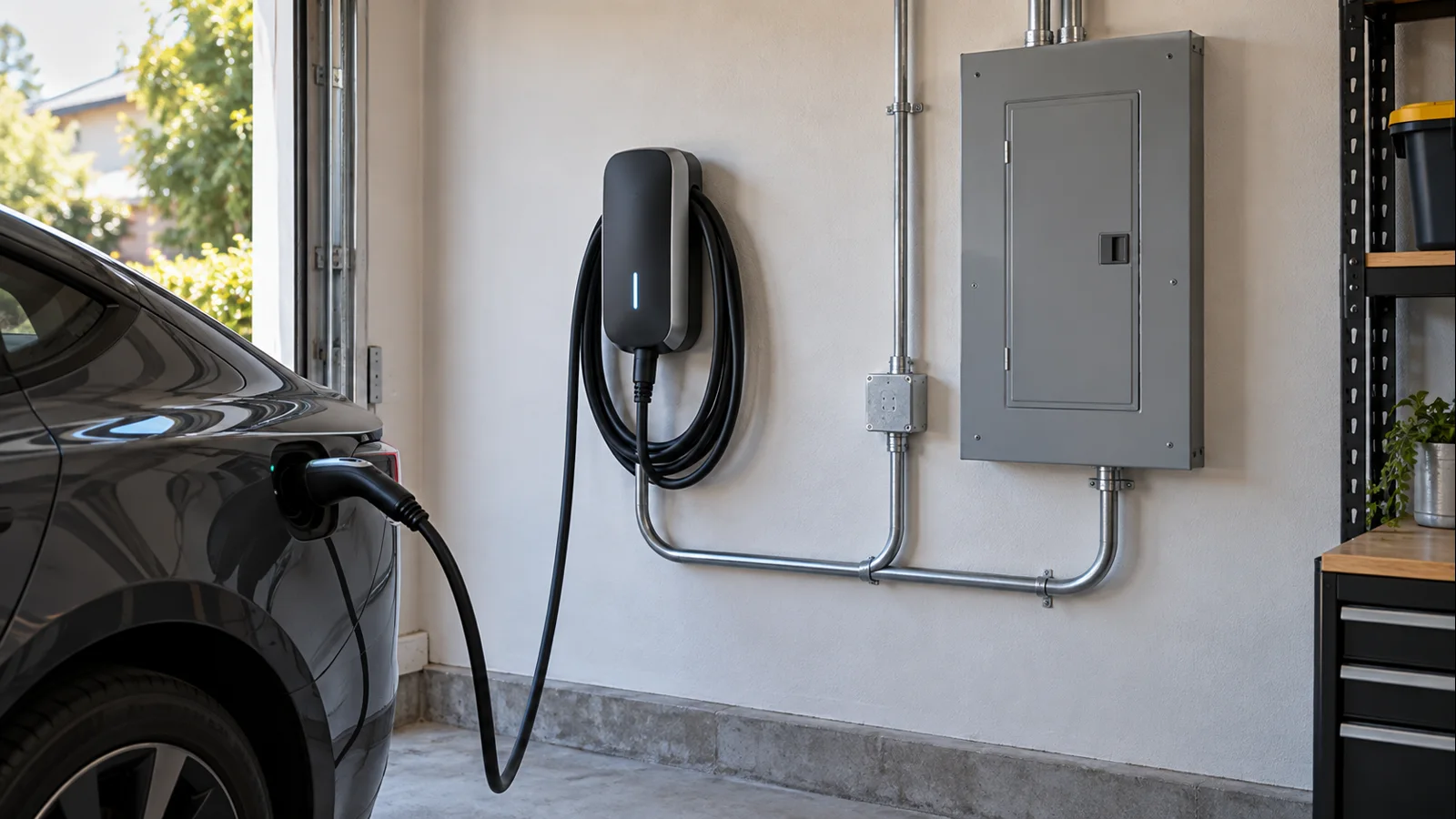
How fast can ChargePoint Home Flex actually charge?
At 240V, the useful planning math is straightforward: 32A is about 7.7 kW, 40A about 9.6 kW, 48A about 11.5 kW, and 50A about 12 kW. Real delivered and accepted power can vary with line voltage, the selected EVSE current, the car's onboard charger, battery and thermal controls, and other vehicle logic.
If an EV's onboard AC charger tops out near 7.7 kW, installing Home Flex for 50A will not make that car charge at 12 kW. Extra capacity may still help with a future vehicle. If charging is unexpectedly slow, use our Level 2 charging diagnostic guide to separate EVSE, circuit, vehicle, settings, temperature, and load-control limits.
Hardwired vs. plug-in installation
Home Flex is unusually flexible, but its installation choices are not interchangeable at every current. ChargePoint's current U.S. installation FAQ pairs a 32A charging setting with a 40A circuit and a 40A setting with a 50A circuit for NEMA 6-50 or NEMA 14-50 plug-in installations. The 48A and 50A settings require hardwiring.
For hardwired installations, ChargePoint lists supported circuit-breaker ratings from 20A through 80A, with the charging current configured to match the approved circuit. Its current table shows 48A charging on a 60A breaker and 50A charging on a 70A or 80A breaker. This relationship exists because EV charging is treated as a continuous load, so the EVSE setting, breaker, conductors, terminations, and service capacity have to be coordinated rather than chosen independently.
If you already have a suitable 240V receptacle, plug-in Home Flex can be convenient. If you want 48A or 50A, are installing outdoors, or local code complicates the receptacle/GFCI path, hardwiring is often cleaner. See our guide to the real considerations behind a 240V EV-charging outlet for outlet and panel tradeoffs.
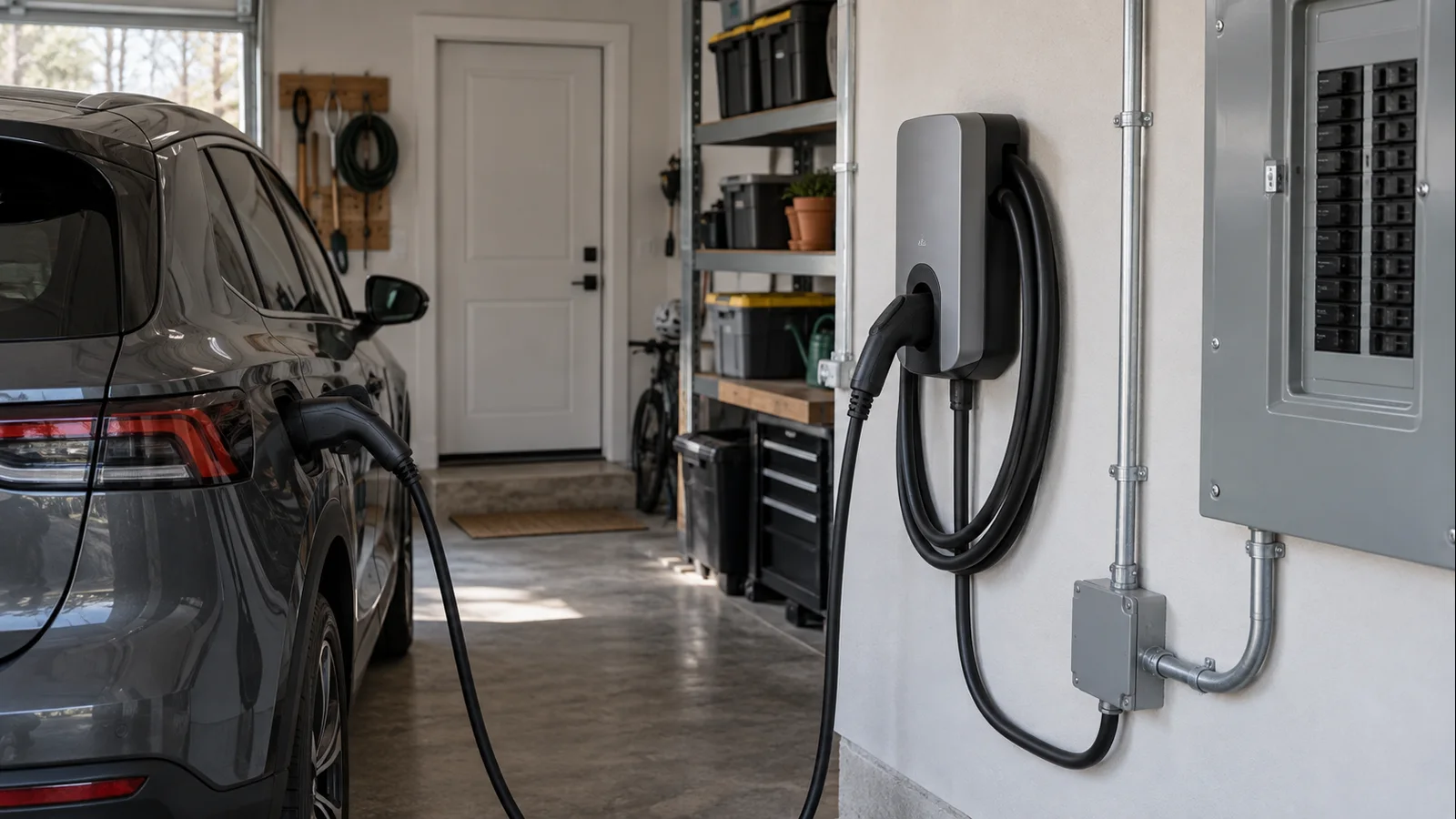
Panel capacity, GFCI and the dedicated-circuit rule
Before buying around the 50A headline, have the proposed load evaluated against the home's actual service and panel. A licensed electrician should confirm capacity, breaker space, wiring route, and equipment. Cost varies with panel condition, distance, conduit, permits, trenching, and service work, so universal install-price claims are not useful.
ChargePoint says Home Flex includes internal charging circuit interrupting device protection. Its FAQ says a GFCI breaker can be used, but warns that an external GFCI can cause nuisance tripping and recommends hardwiring when local rules require GFCI protection for a plug-in installation. The governing electrical code and local authority having jurisdiction still control the final installation.
One important correction to older Home Flex coverage: two Home Flex units cannot share one residential branch circuit. ChargePoint's current FAQ explicitly states that each ChargePoint Home or Home Flex station requires its own dedicated circuit. Do not confuse residential Home Flex with separate ChargePoint commercial products that may support managed power-sharing architectures.
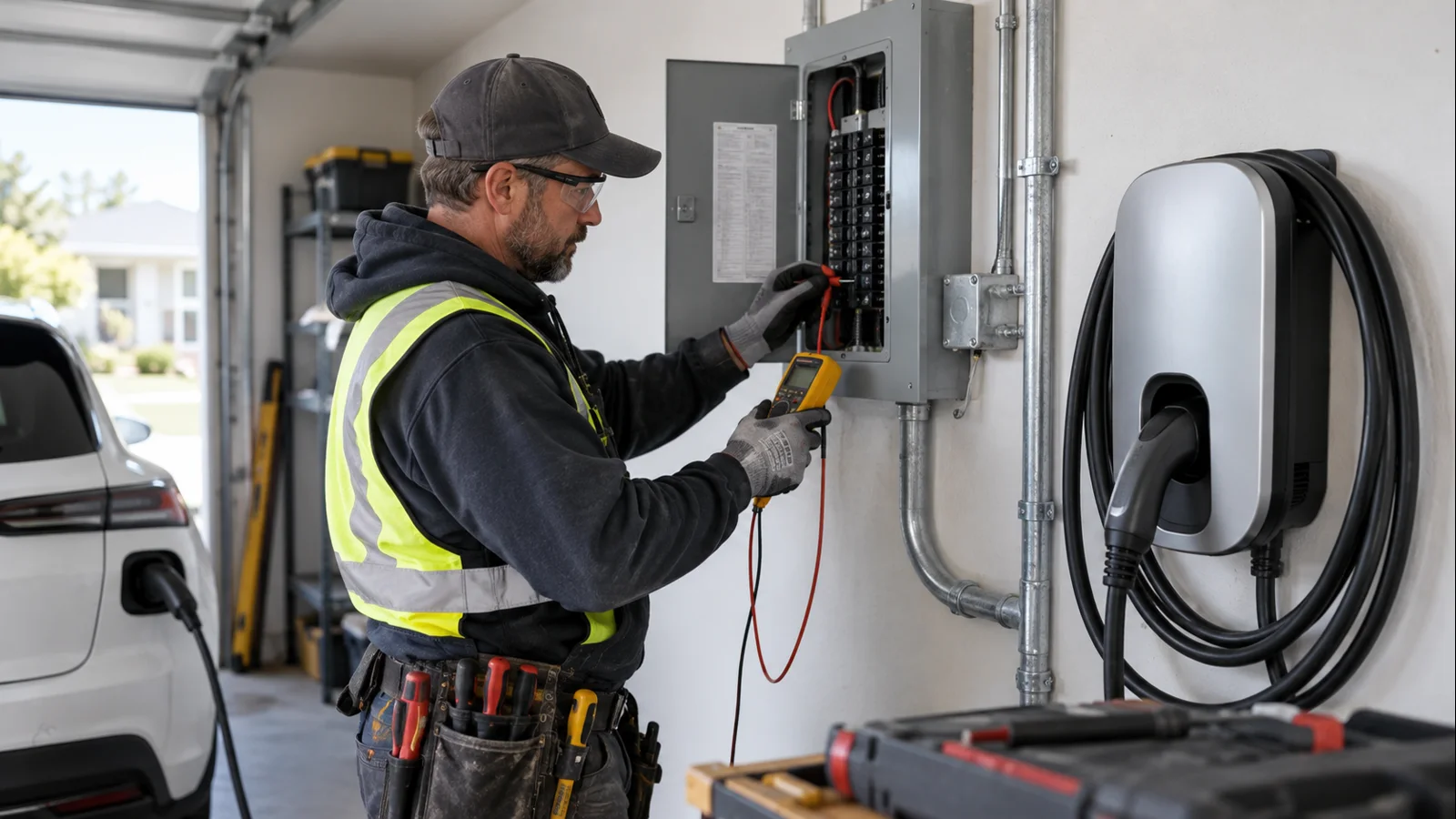
J1772 or NACS: choose the cable for the vehicle you actually own
Current North American Home Flex configurations are available with either J1772 or NACS charging cables. That means the old description of Home Flex as J1772-only is outdated. Tesla and other NACS-equipped vehicles are best matched with the NACS version when direct connection is preferred, while many existing non-Tesla EVs use J1772 for Level 2 AC charging.
The 23-foot cable is generous for many garages and driveways, but measure the real parking position first. Avoid stretching it across walkways or relying on an extension cord. If reach is marginal, relocating the EVSE is better; our EV charger extension-cord guide explains the risks of extra high-current connections.
Smart charging, scheduling and energy reporting
Home Flex uses Wi-Fi for its main smart features and Bluetooth during setup. The app supports weekday/weekend schedules, utility-rate timing, delivered-energy and estimated-miles reporting, charging history, and current adjustment within the installed limits.
Wi-Fi matters for connected features, but it is not required for basic power delivery. ChargePoint says that if Wi-Fi drops, the station can still charge when the vehicle is plugged in and can continue following an already saved schedule; stored session data appears in the app after connectivity returns. If Wi-Fi is unavailable at installation, a licensed electrician can still use Bluetooth to set the appropriate amperage from the charger's default 16A setting.
Current adjustment is not a substitute for electrical work. If the circuit was commissioned for a lower charging current, raising the setting later requires the circuit to support the new load. ChargePoint specifically directs owners to have the electrician upgrade the circuit as necessary before increasing the installation's maximum charging rate.
If the current setting is limited by available home capacity, see our guide to EV load management versus a panel upgrade for control options and cases where panel, service, or utility work may still be needed.
Outdoor use and physical installation
ChargePoint rates Home Flex NEMA 3R for outdoor use. Its FAQ permits hardwired outdoor installation or a weatherproof receptacle for an approved plug-in configuration, subject to local requirements. ChargePoint prefers hardwiring outdoors. Mount the unit so the cable reaches without strain or creating a trip path.
If you are comparing other connected home chargers rather than deciding on Home Flex alone, our Wallbox Pulsar Plus vs. Tesla Wall Connector comparison covers another useful set of installation and ecosystem tradeoffs. Tesla owners can also use our Model Y home-charging guide to match charging hardware with the vehicle's actual AC capability.
Who should buy ChargePoint Home Flex?
Good fit
- Homeowners who want a flexible 16A-to-50A EVSE that can be configured around available electrical capacity.
- Drivers who want a native J1772 or NACS cable rather than treating adapters as the default.
- Users who value ChargePoint's app for scheduling, charging history, energy information, and home/public charging in one account.
- Installations where a 23-foot cable is long enough to reach the charge port cleanly.
- Hardwired projects that can make practical use of 48A or 50A charging now or with a future EV.
Consider skipping it
- If your vehicle accepts much less AC power and you do not value the smart features or future headroom.
- If you need residential two-EV circuit sharing from two Home Flex units; ChargePoint requires a dedicated circuit for each unit.
- If reliable app connectivity is central to your use case but Wi-Fi coverage at the installation location is poor and cannot be improved.
- If another EVSE better matches your preferred load-management system, cable length, connector strategy, or local utility program.
FAQ
Can ChargePoint Home Flex deliver 50A on a 50A breaker?
No. ChargePoint's current installation table shows 40A charging on a 50A circuit. Its 50A charging setting is a hardwired configuration associated with a 70A or 80A breaker in the current FAQ. The electrician must size and configure the complete circuit correctly.
Does ChargePoint Home Flex work with Tesla and other NACS vehicles?
Yes. Current North American Home Flex models are offered with NACS as well as J1772 cables. Choose the connector that matches the vehicle and how you want to charge at home.
Can the plug-in Home Flex deliver 48A or 50A?
No. ChargePoint currently limits NEMA 6-50 and NEMA 14-50 plug-in configurations to 32A charging on a 40A circuit or 40A charging on a 50A circuit. Higher supported settings require hardwiring.
Can two Home Flex chargers share one circuit?
No. ChargePoint's current Home Flex FAQ says each ChargePoint Home or Home Flex station requires its own dedicated circuit. Commercial ChargePoint power-sharing products should not be treated as evidence that residential Home Flex supports shared branch-circuit operation.
Will Home Flex still charge if the app or Wi-Fi is unavailable?
Basic charging does not depend on a live Wi-Fi connection. ChargePoint says the station can continue charging and can retain an already configured schedule while offline. Wi-Fi is needed for connected app functions and syncing stored session data back to the account.
Verdict
ChargePoint Home Flex remains a capable residential Level 2 EVSE in 2026 because its value is broader than the 50A headline: it offers configurable current, J1772 or NACS versions, a long cable, outdoor capability, and mature scheduling and reporting features. The best configuration is the one that matches the vehicle's onboard AC limit and the home's electrical capacity. For many homes, 32A or 40A may be entirely sufficient; 48A or 50A makes sense only when the car, circuit, service, and installation all support it.
Freshness and sources: Reviewed for late 2026 against ChargePoint's current U.S. Home Flex Installation FAQ, Home Flex datasheet, Home Flex features and settings FAQ, and current U.S. Home Flex product page. Product specifications, app behavior, and electrical requirements can change; verify the exact model documentation and local code before installation.