

If your SolarEdge EV charger is pulling from the grid, ignoring excess solar, or missing expected controls in mySolarEdge, start with the integration—not the breaker. Confirm the exact charger generation and supported topology, verify the charger, inverter, and consumption meter belong to the same site, then check Solar Charging mode, schedules, meter data, communications, firmware, and whether enough surplus PV actually exists. Meter wiring or commissioning errors require a qualified installer.
What “syncing with solar” actually means
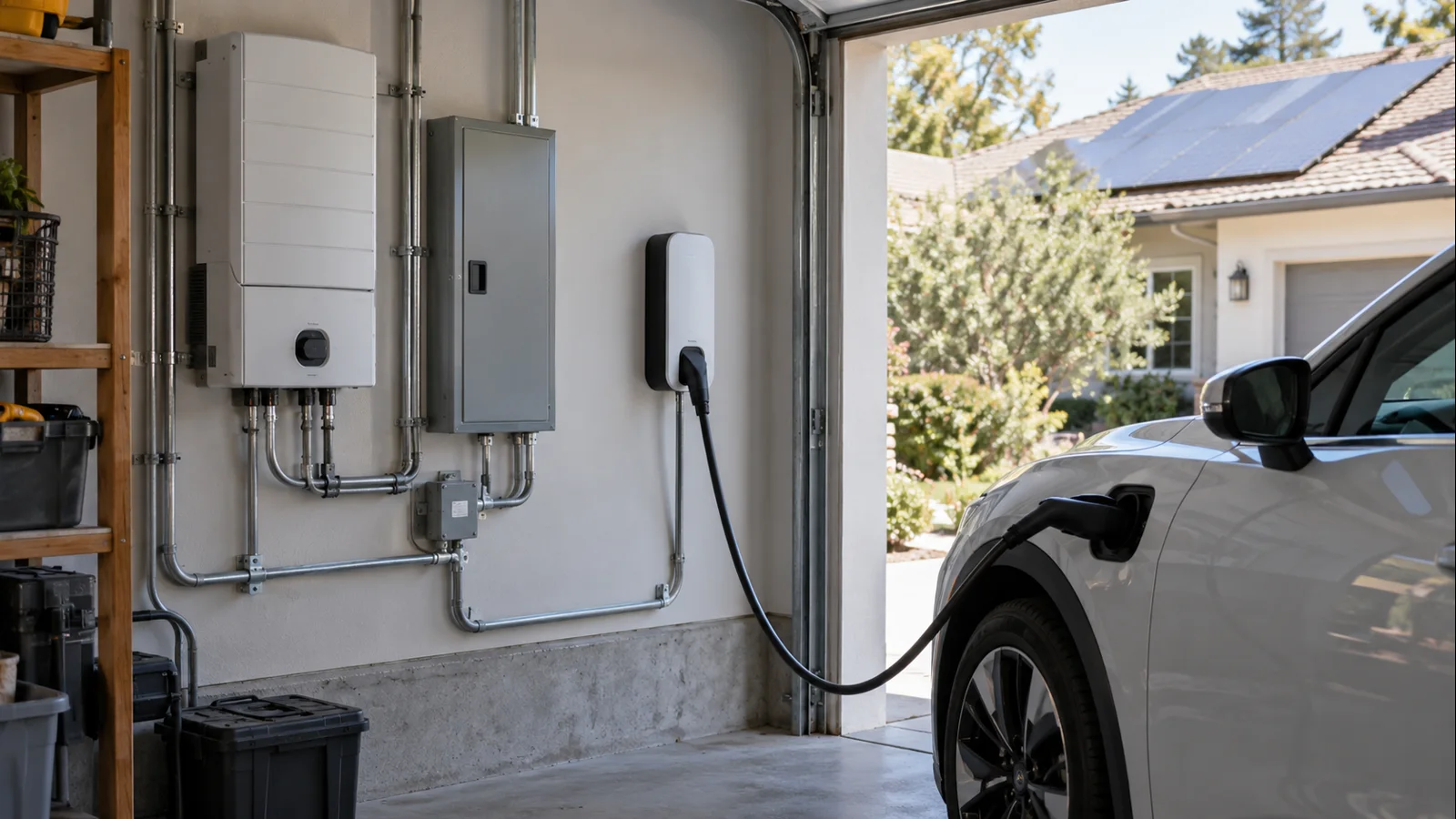
Solar charging is an energy-management function, not a separate wire that sends only rooftop electricity to the car. The EV charger remains connected to the home’s AC system. SolarEdge coordinates charging by measuring site production, household consumption, import, and export, then adjusting EV charging according to the selected mode and available energy.
Grid power can therefore appear during normal operation. SolarEdge’s current U.S. owner guidance says scheduled charging uses solar by default and can be complemented by grid power, while excess-solar mode is intended to use surplus PV that would otherwise be exported.
First, identify which SolarEdge EV-charging generation you have
Do not troubleshoot every SolarEdge EV charger with the same menu map. The current U.S. SolarEdge Home EV Charger is a standalone Level 2 unit that can integrate with the SolarEdge Home ecosystem. SolarEdge currently lists it at up to 40A, or 9.6 kW, with mySolarEdge controls.
Older North American SolarEdge systems also included EV-charging single-phase inverters with integrated EVSE hardware, while other markets use different charger families and documents. European excess-PV documentation, for example, uses different minimum-power rules than the current U.S. support page. Treat those as generation- and market-specific instructions.
If the charger, inverter, or meter model is uncertain, record labels that can be read safely without removing covers and have the installer confirm the supported architecture.

Symptom → likely cause → safe next check
| Symptom | Likely cause | Safe next check |
|---|---|---|
| Starts from grid when you expected excess solar | Scheduled or immediate charging mode | Review Solar Charging and active schedules in mySolarEdge |
| Solar Charging is enabled but the car waits | Not enough sustained surplus PV | Compare PV production, home load, and export during strong sun |
| Charger works but solar controls are missing | Unsupported topology, wrong site association, or communications issue | Confirm device models and that all devices appear under the intended site |
| Import/export readings look backwards or implausible | Meter configuration, CT orientation, wiring, or commissioning issue | Save screenshots and ask the installer to verify meter topology; do not move CTs yourself |
| Charging history or status is stale | Network or cloud communication problem | Check normal Wi-Fi/router connectivity and device status |
| Battery behavior conflicts with EV charging | Battery discharge or energy-priority setting | Review supported battery-to-EV settings and system firmware |
A safe diagnostic sequence for supported U.S. setups
1. Verify the product generation and supported topology
SolarEdge’s current U.S. support page says excess-solar charging requires a SolarEdge smart EV charger used with a SolarEdge PV system and directly connected to a consumption meter. If that required meter relationship is missing, or an older charger is being treated like a current Home EV Charger, app settings alone may not enable excess-PV control.
Confirm the exact EV charger, inverter, and meter model numbers rather than assuming same-brand devices automatically support the same energy-management path.
2. Confirm all devices are in the correct SolarEdge site
In mySolarEdge, verify that the charger appears under the same site where PV production and consumption are monitored. A charger can still charge the car electrically while lacking the site data needed for coordinated excess-solar behavior.
If the app shows duplicate sites, missing consumption, or the charger separately from the solar system, capture screenshots before anyone re-pairs or reconfigures devices.
3. Check Solar Charging mode and every schedule
SolarEdge’s U.S. owner instructions place scheduling and Solar Charging under the EV Charger menu in mySolarEdge. Review both. A time schedule can intentionally start charging with grid energy available, while excess-solar mode waits for surplus PV. Also check the vehicle’s own charging schedule because the car can block AC charging even when the EVSE is ready.
If charging begins but is slower than expected, separate the solar-control issue from general AC charging limits with AmpedHabitat’s Level 2 charging diagnostic guide. EVSE output, the vehicle’s onboard AC limit, line voltage, and load controls can independently cap charging power.
4. Sanity-check consumption and import/export data
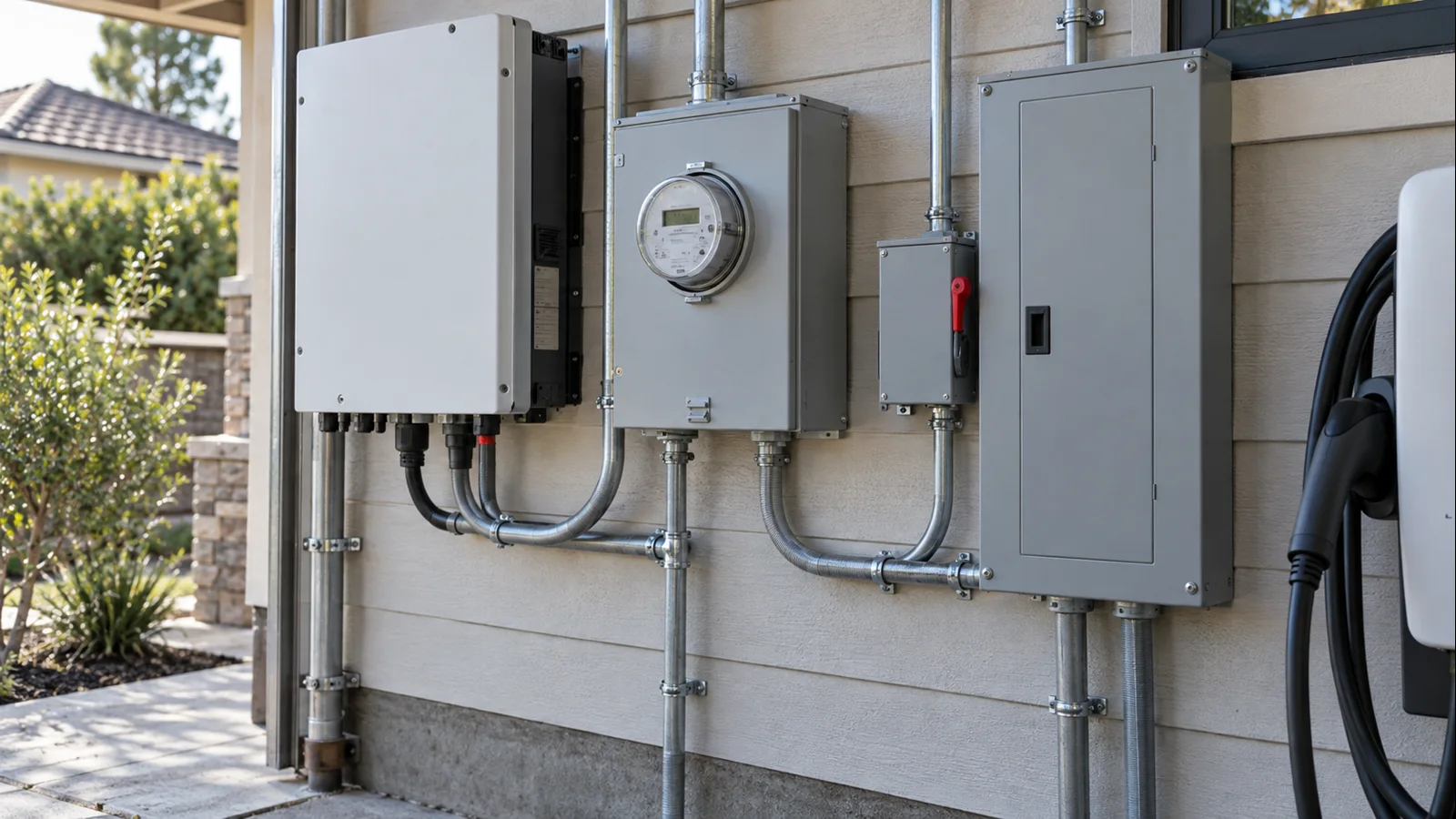
Excess-solar control depends on believable power-flow measurements. During midday sun, watch PV production, home consumption, and grid import/export. If the utility meter clearly shows export while mySolarEdge shows large import, flat consumption, or direction changes that do not match household behavior, the charger may be acting on bad meter data.
Do not open the panel, move current transformers, change meter wiring, or alter installer-only settings. Meter orientation and commissioning belong to a qualified installer. For broader context on self-consumption, see AmpedHabitat’s solar savings and summer bill guide.
5. Check communications and firmware
SolarEdge’s North American Home EV Charger installation guide says communications are not required for basic charging, but they are required for advanced functions such as scheduling, excess-solar charging, and transferring charging information to monitoring. That explains a common pattern: the car still charges while smart solar coordination stops working.
Check router availability, Wi-Fi coverage, and whether mySolarEdge data is updating. Then ask the installer or SolarEdge support to compare charger, inverter, meter, and app firmware with versions supported for your system. Avoid factory resets before recording the current configuration.
6. Confirm there is enough sustained surplus
The current U.S. SolarEdge owner page states that excess-solar charging starts when surplus solar exceeds the minimum charge power it identifies as 1.5 kW. Treat that 1.5 kW value as SolarEdge product documentation for this U.S. feature—not as a universal EV threshold.
Surplus means PV left after the house is served. If an array is producing 4 kW while the home is using 3.2 kW, only about 0.8 kW remains before other controls and losses. Clouds, HVAC cycling, water heating, or other large loads can repeatedly move the site above and below the trigger.
7. Check battery and energy-priority behavior
On SolarEdge Home sites with storage, battery policy can change what “excess” means in practice. SolarEdge’s North American firmware notes added an option on supported systems to choose whether the Home Battery may be used during EV charging. Depending on configuration, the system may preserve battery energy, allow discharge toward the EV, charge the battery first, or use grid power under a schedule.
If the EV starts only after the battery reaches a certain state, or the battery discharges into the car unexpectedly, document the behavior and review the supported battery/EV setting.
8. Escalate with a complete evidence package
If the safe checks do not isolate the cause, contact the installer or SolarEdge support with the site ID, EV charger model, inverter model, meter model, firmware versions if visible, meter topology, battery presence, exact charging mode and schedules, and screenshots of PV production, consumption, grid import/export, charger status, and the time of the failed solar-charging attempt.
That evidence helps separate an account/site-association problem from meter data, communications, firmware, insufficient surplus, battery priorities, or an unsupported topology.
What not to do while troubleshooting
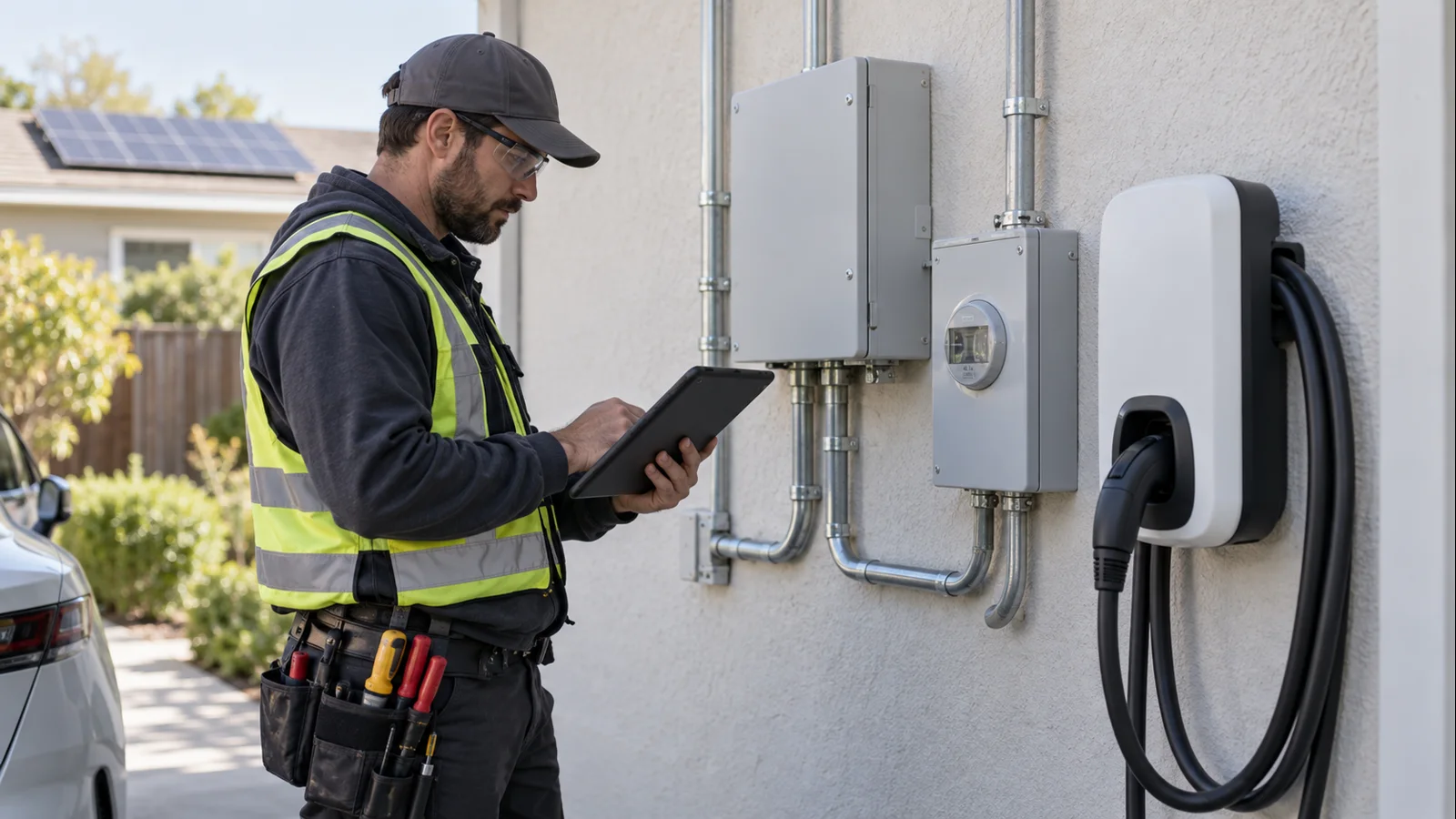
Do not increase breaker size, raise charger current, move CTs, probe energized terminals, or change installer commissioning parameters just to make solar charging start. Those actions can create electrical and code problems without fixing energy-management logic. If the issue is the branch circuit rather than solar coordination, use a qualified electrician and review AmpedHabitat’s 240V EV-charging installation guide.
Avoid improvised extension solutions when the real issue is charger location or cable reach. AmpedHabitat’s EV charger extension-cord safety guide explains why supply-side and vehicle-side extensions need separate scrutiny.
FAQ
Why is my SolarEdge charger using grid power when Solar Charging is on?
The active mode, schedule, available surplus, battery policy, or meter data may still permit or require grid contribution. Check Solar Charging and schedules first, then confirm the power-flow data is plausible.
Does SolarEdge excess-solar mode guarantee zero grid use?
No universal guarantee should be assumed. SolarEdge describes excess-solar charging as using surplus PV, but control responds to changing measured site power. Scheduled charging can explicitly use solar plus grid.
Why will the charger not start even though the panels are producing?
Panel production is not the same as surplus. The house may be consuming most of the PV output. SolarEdge’s current U.S. support page documents a 1.5 kW surplus trigger for this feature.
Can I fix a bad consumption reading myself?
You can document what the app shows, but CT direction, meter wiring, and commissioning should be checked by a qualified installer. Do not open energized equipment or move current transformers yourself.
What should I send SolarEdge support?
Send the site ID, device models, firmware information, meter topology, battery presence, charging mode and schedules, timestamps, and screenshots showing PV, consumption, grid flow, and charger status.
Freshness and source note
Updated for late 2026 using current SolarEdge U.S. guidance for EV schedules and excess-solar charging, the current SolarEdge Home EV Charger product page, SolarEdge’s North American installation and communications guide, and current residential firmware release notes. Charger generations, inverter compatibility, meters, app menus, firmware, and regional rules can differ, so verify documentation for the exact U.S. hardware before changing configuration.